/
Arranging Photos /
Rotating Photos and Items
Rotating Photos and Items
You can rotate photos in the frame or items you added to the frame.
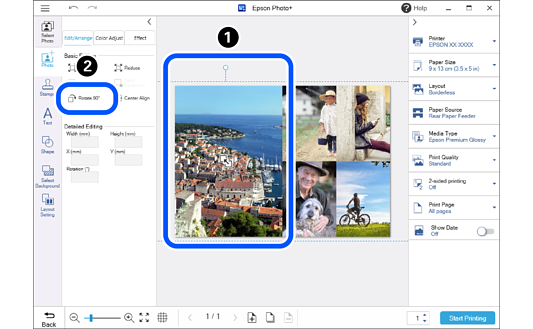
 Click a photo or an item.
 Click the Edit/Arrange tab, and then click Rotate 90°.
The photo rotates 90 degrees to the right each time you click.
Note:
Follow the steps below to rotate to the angle you want.
-
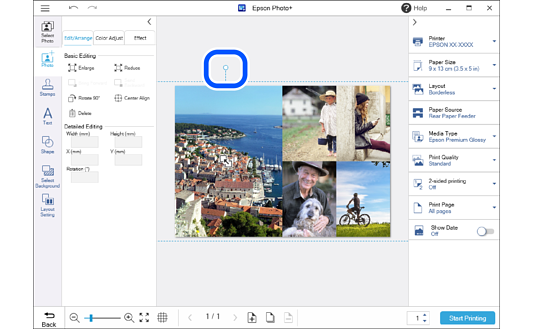
Drag the
 (handle) at the top of the image or item.
-
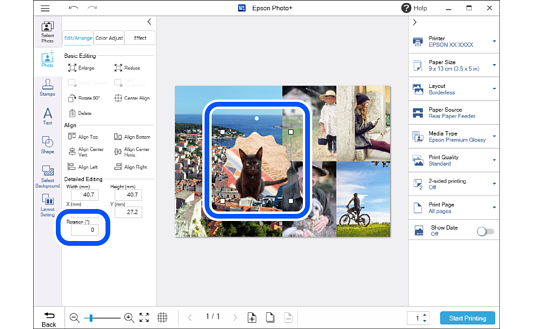
For photos added using Photo, or for stamps, text, and shapes:
Enter the angle in Rotation on the Edit/Arrange tab.