Printing an Assignment
-
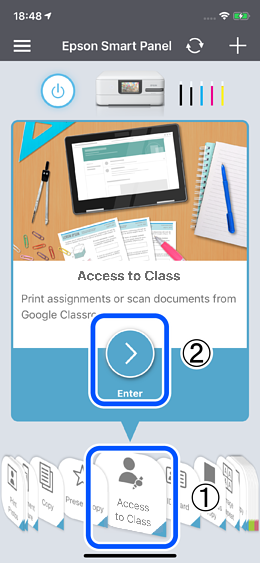
Select Access to Class from the menu, and then tap
 .
.
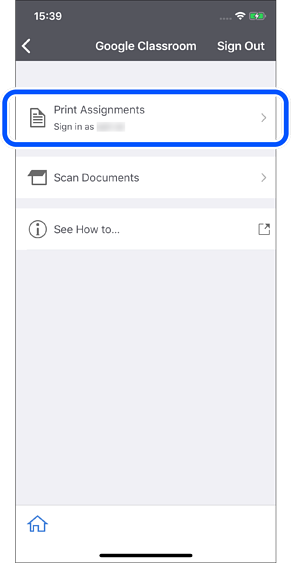
-
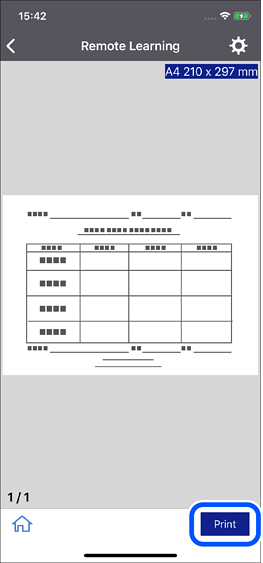
Tap Print.
 Note:
Note:You may be asked to sign in.
When the sign in screen is displayed, sign in with your Google account.
If you have more than one account, select the account associated with Google Classroom.
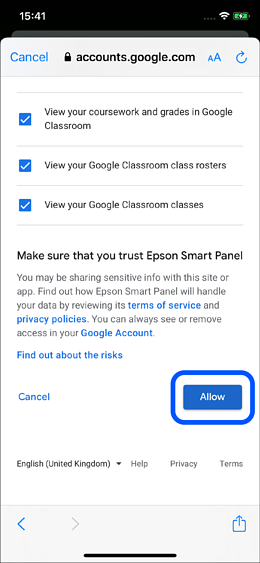
After signing in, tap Allow on the following screen.
-
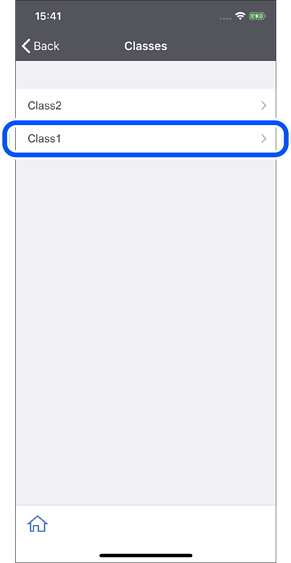
Select your class.
-
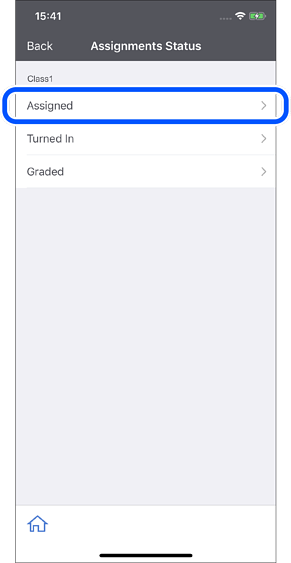
Select the type of assignment.
-
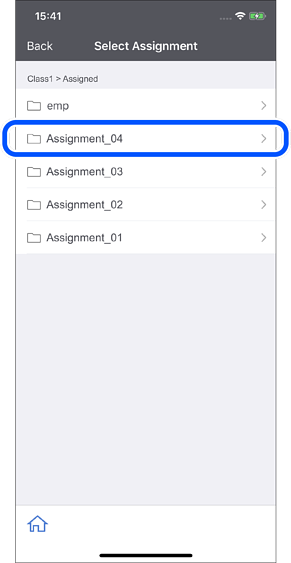
Select an assignment.
-
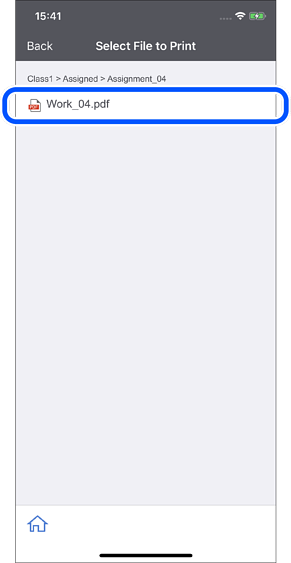
Select a file.
-
Tap Print.