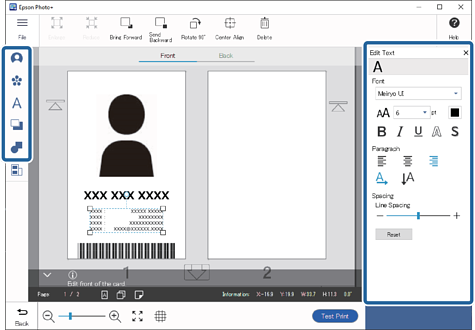
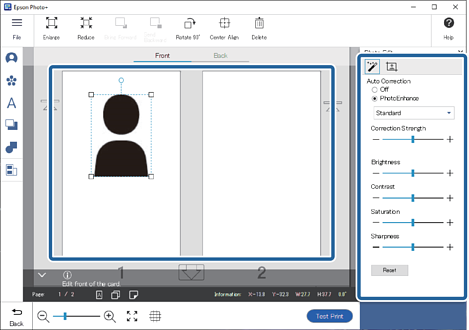
When you select 2-Sided as the page layout, you can also edit the back of the card. Select Back at the top of the edit screen, and then add images, text, and so on.
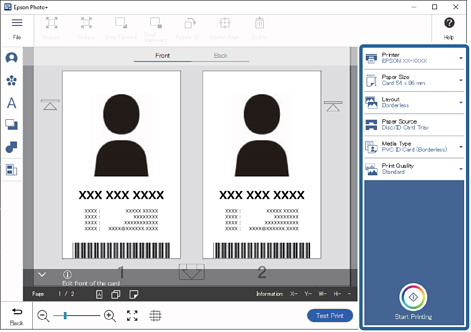
9Make print settings, and then click Start Printing.
Note:
When you select 2-Sided as the page layout, follow the on-screen instructions to print the front and the back in order.
See the "User's Guide" supplied with the printer for details on loading paper and making print settings.


 Home
Home
 , select the image, and then click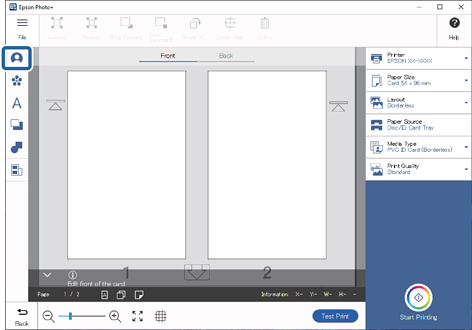
 to adjust the range and position you want to crop, and then click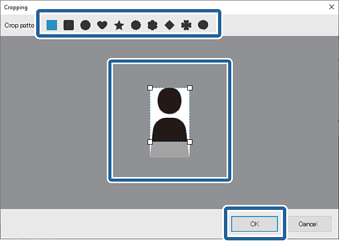
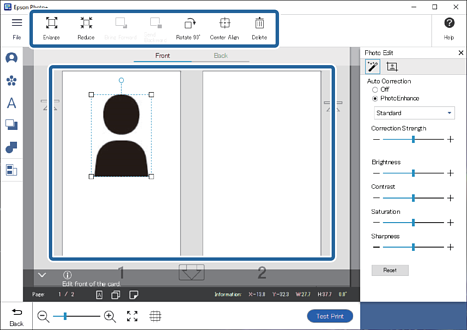
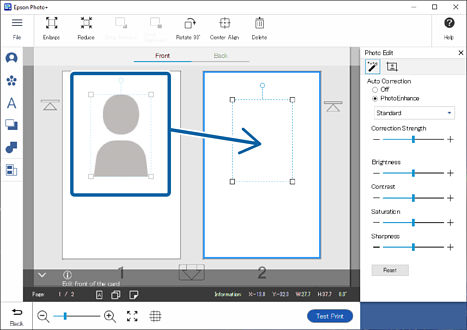
 and change the
  or
or  indicates the direction in which the ID card must be inserted into the printer.
 to adjust the brightness, contrast, and so on.
 to adjust the transparency and blurriness.
 in
in